

Reinventing ERP Efficiency: How AI Agents in Business Central Empower Smarter Operations
What Are AI Agents—and How Do They Fit into Business Central?
An AI agent is a software-driven entity capable of performing tasks, making decisions, and interacting with systems autonomously using AI and machine learning. Unlike traditional automation, AI agents learn, adapt, and operate in dynamic environments.
In Dynamics 365 Business Central, AI agents act as intelligent digital coworkers. They process tasks, analyze data, and guide users with proactive insights. This shift positions Business Central not just as an ERP system, but as a smart operational hub with deeply embedded AI capabilities.
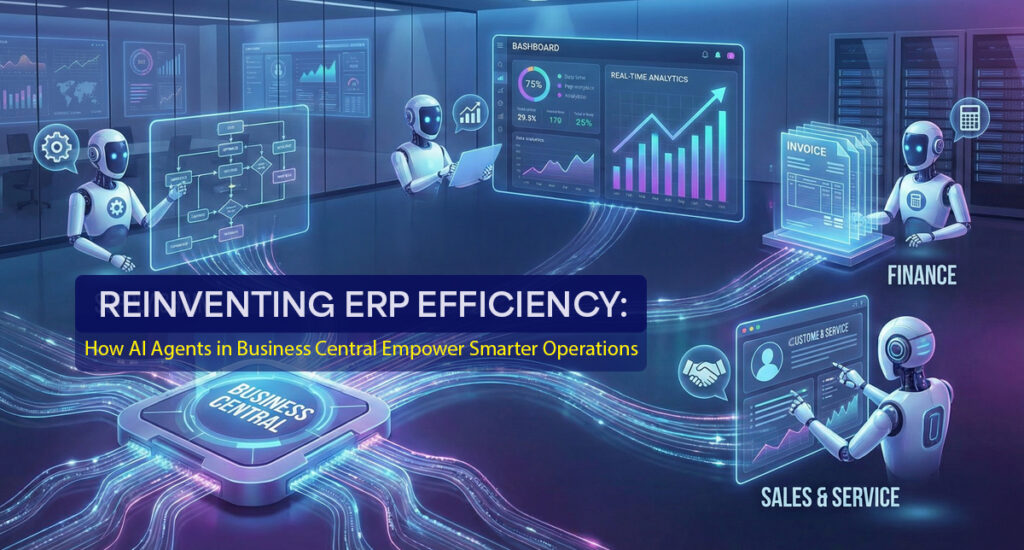
Benefits of AI Agents in Microsoft Dynamics 365 Business Central
AI agents introduce a new level of efficiency and intelligence across business operations. Here’s how they empower users and teams:
1. Increased Productivity
AI agents automate repetitive tasks such as data entry, invoice extraction, and routine approvals—significantly reducing manual workload.
2. Better Strategic Decision-Making
By interpreting real-time and historical data, AI agents deliver actionable insights that help leaders make confident strategic decisions.
3. Higher Accuracy in Critical Tasks
From invoice matching to demand forecasting, AI minimizes human error and enhances financial and operational precision.
4. Natural Language Interaction with Copilot
With Copilot in Business Central, users can ask questions conversationally—converting otherwise complex tasks into simple prompts.
5. Real-Time Operational Alerts
AI monitors ongoing activities and immediately notifies users about anomalies, shortages, or delays.
6. Personalized User Experience
AI adapts to each user’s behavior, offering tailored suggestions, shortcuts, and recommendations.
7. Scalability for Growing Businesses
As your business expands, AI agents can handle higher transaction volumes and complex workflows without extensive system changes.
8. Cost Optimization
Automating manual tasks reduces labor costs and improves operational efficiency, delivering strong ROI over time.
9. Seamless Integration Across the Microsoft Ecosystem
Business Central AI integration ties together Microsoft 365, Power Platform, and Azure AI—allowing businesses to create a unified, intelligent digital environment.
Key Challenges When Implementing AI Agents in Business Central
While powerful, successful implementation requires planning. Here are common challenges and their impact:
1. Integration Complexity
Existing customizations or ISV extensions may require additional configuration for smooth AI adoption.
2. Data Privacy & Compliance
AI needs access to sensitive business data. Strong data governance, access controls, and compliance safeguards are essential.
3. Data Quality
AI performance depends on clean, structured, and complete historical data.
4. User Trust and Adoption
Teams may hesitate to rely on AI recommendations. Transparency and training are crucial.
5. ROI Uncertainty
AI requires upfront investment. Clear KPIs help measure success over time.
6. Ongoing Maintenance
AI agents need periodic monitoring, tuning, and retraining as business processes evolve.
7. Limited Out-of-the-Box Customization
Some industries may require custom AI workflows built using tools like Power Platform or Copilot Studio.
The Role of AI Agents in Dynamics 365 Business Central
AI agents bring automation and intelligence into core business functions. Their capabilities include:
1. Automating Routine Work
Sales Order Agents and Payables Agents read emails, extract data, and create documents without manual intervention.
2. Enhancing Productivity
AI reduces app-switching, speeds up reconciliations, and accelerates month-end tasks.
3. Natural Language Execution
Users can execute tasks simply by typing prompts—turning Business Central into a conversational ERP system.
4. Oversight and Control
AI agents automate tasks while still supporting human approval workflows.
5. Deep Integration with Copilot
Copilot provides conversational assistance, while AI agents perform automated actions—creating a powerful duo.
6. Extensibility for Custom Scenarios
Developers can build or integrate external AI models to customize the system according to industry needs.
7. Cloud-Only Availability
AI agents and Copilot features are available exclusively to Business Central Online customers.
How AI Agents Transform Core Business Areas in Business Central
1. Finance & Accounting
-
Automated invoice capture and posting
-
Bank reconciliation suggestions
-
AI-driven cash flow forecasting
2. Supply Chain & Inventory
-
Demand forecasting and trend prediction
-
Automated reorder recommendations
-
Supplier performance analytics
3. Sales & Customer Service
-
Automated sales order creation from emails
-
Customer buying insights for upselling
-
AI chatbots and assistant tools for servi
4. HR
-
Resume screening
-
Employee sentiment analysis
5. Reporting & Analytics
-
Predictive models for trends and risks
-
Natural language BI queries
6. Workflow Automation
-
Trigger-based workflows
-
Real-time anomaly detection
AI shifts Business Central from a reactive system to a proactive, predictive, and intelligent ERP solution.
How Business Central AI Integrates Across the Microsoft Ecosystem
1. Built-in AI Functionality
-
Cash flow predictions
-
Sales and inventory forecasts
-
Late payment risk detection
2. Copilot Integration
Copilot adds generative AI capabilities:
-
Natural language assistance
-
Automated document creation
-
Guided data and process support
3. Power Platform Integration
-
Power BI for AI dashboards
-
Power Automate for workflow automation
-
Power Apps for custom solutions
4. Azure AI Services
-
Machine learning models
-
OCR and language processing
-
Sentiment and image recognition
5. Microsoft 365 Integration
-
Outlook for contextual data insights
-
Teams for collaboration and AI chat
-
Excel for advanced data modeling
AI Agents vs. Copilot in Business Central: What’s the Difference?
| Feature | Copilot | AI Agent |
|---|---|---|
| Purpose | Assist users with suggestions and prompts | Automate and execute tasks autonomously |
| Interaction | Conversational | Action-based, independent |
| User Control | User-driven | Performs tasks with optional oversight |
| Use Cases | Summaries, drafting, guidance | Invoice processing, sales orders, reconciliations |
| Setup | Minimal | Configuration may be required |
| Governance | In-app | Managed via AI Agent Hub |
| Ideal For | Productivity | Automation |
Copilot = assistant
AI agents = digital coworkers
Elevate Your ERP with AI—Partner with Brightpoint Infotech
At Brightpoint Infotech, we help organizations embrace next-generation ERP through AI-driven Business Central solutions. Whether your goal is to automate invoice processing, streamline order management, or leverage natural language insights with Copilot, our experts can guide you every step of the way.
We specialize in:
-
AI automation in ERP
-
Business Central AI integration
-
Custom AI solutions using Power Platform and Azure
-
AI for ERP systems to future-proof business operations
Ready to transform your ERP with intelligent automation?
Contact Brightpoint Infotech today to schedule a personalized AI consultation.
Let our experts help you unlock efficiency, accuracy, and growth with AI-powered Business Central.