Yet, after working with finance leaders, IT teams, and operations stakeholders across industries, one pattern consistently emerges.
Most ERP migration challenges don’t occur during migration. They occur before it.
Pre-migration planning is often underestimated, but it is the single most critical factor that determines whether your GP to Business Central migration becomes a strategic success or a costly disruption.
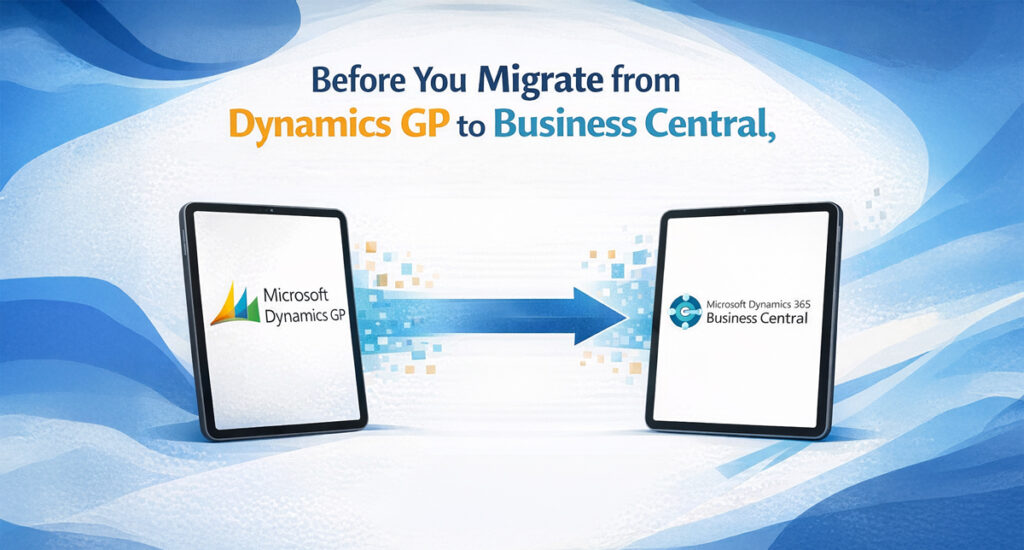
Let’s explore Phase 1: Pre-Migration Planning, the foundation of a successful Dynamics GP to Business Central journey.
Why Pre-Migration Planning Matters More Than You Think
Dynamics GP has powered organizations for years. However, as businesses demand agility, cloud scalability, advanced analytics, and seamless integrations, Business Central delivers what legacy systems can no longer support.
Organizations that rush into migration without a structured plan often face:
Misaligned business and IT expectations
Budget overruns and timeline slippage
Broken processes carried over from GP
Low user adoption post go-live
Pre-migration planning ensures you modernize with intention, not repetition.
Step 1: Stakeholder Engagement. Alignment Before Automation
ERP migrations succeed when they are business-led, not just IT-driven.
Identify the Right Stakeholders
Include representation from:
Finance and Accounting
Operations and Supply Chain
IT
Executive leadership
Each group interacts with Dynamics GP differently, and Business Central must support all perspectives.
Define Clear Business Objectives
Key questions to answer early:
What business outcomes should Business Central enable?
Which GP limitations must be eliminated?
How will success be measured post-migration?
Clear objectives prevent scope creep and ensure long-term value.
Step 2: Current System Assessment. Understand Your GP Environment
Before designing your future-state ERP, you must clearly understand your current one.
Review the Existing GP Setup
Assess:
Active GP modules
Customizations and ISVs
Manual processes and workarounds
Many organizations discover they rely heavily on workarounds, often solving problems Business Central already addresses natively.
Identify Critical Data
Not all data needs to move forward. Determine:
Mandatory historical data requirements
Frequently accessed versus archival data
Redundant or obsolete records
Evaluate Third-Party Applications
Document integrations such as:
CRM
Payroll
Banking
E-commerce
Each integration should be evaluated for compatibility, replacement, or consolidation within Business Central.
This phase bridges where you are and where you want to be.
Document Gaps and Workarounds
Every workaround highlights an opportunity to improve:
Inefficient workflows
Reporting limitations
Manual dependencies
Map GP to Business Central Functionality
Business Central offers:
Enhanced financial dimensions
Built-in Power BI reporting
Modern user experience
Native Microsoft ecosystem integration
The objective is not to replicate GP, but to leverage Business Central’s strengths.
Step 4: Define the Right Migration Strategy
A successful migration strategy is tailored, not templated.
Big Bang vs. Phased Migration
Big Bang: Faster transition with higher upfront readiness
Phased Approach: Lower risk with an extended coexistence period
The right choice depends on operational complexity and change readiness.
Decide on Historical Data Scope
Migrating excessive data increases risk and cost. Define:
How much history is truly needed
What can remain accessible in GP for reference
Customizations. Rebuild or Retire
Business Central favors extensions over heavy customizations, creating an opportunity to:
Reduce technical debt
Standardize processes
Improve long-term maintainability
The Real Difference Between Successful and Failed Migrations
Organizations that succeed in migrating from Dynamics GP to Business Central share one common trait.
They invest time in planning before execution.
When Phase 1 is executed correctly:
Migration timelines shorten
User adoption improves
Post-go-live issues decline
ROI becomes measurable
At Brightpoint Infotech, we consistently see that strong pre-migration planning leads to smoother transitions and long-term ERP success.
Final Thought. Migration Is a Milestone. Planning Is the Advantage
Migrating to Dynamics 365 Business Central is inevitable for many GP users. But the outcome depends entirely on how well the journey begins.
Plan strategically. Modernize intentionally. Ensure Business Central supports the future of your business, not the limitations of the past.
Start Your GP to Business Central Journey with Confidence
If you’re considering a move from Dynamics GP to Business Central, the best place to start is with a structured pre-migration assessment.
Brightpoint Infotech offers a GP to Business Central Readiness and Planning Workshop designed to:
Assess your current GP environment
Identify risks, gaps, and optimization opportunities
Define the right migration strategy
Provide a clear roadmap, timeline, and next steps
Book your GP to Business Central Pre-Migration Assessment today and move forward with clarity, confidence, and control.
Explore Brightpoint Infotech Solutions
Explore Our Recent Blogs & Resources Whether you are a start-up, an SMB, or an enterprise, the Brightpoint Infotech blog is the best place to get inspired and learn more about Microsoft Business Applications.