

|
Getting your Trinity Audio player ready...
|
AI in Business Central: Copilot, Agents and What Comes Next
Every AI capability in Dynamics 365 Business Central today, what’s in preview, and what Microsoft has announced for 2027, with what each one costs and how to get ready.

What You’ll Learn in This Whitepaper
A clear map of what you can use today, what’s in preview and what’s only announced, so you can plan with confidence.
Five Ways AI Works
From prediction to delegation, with the level of control at each step.
AI for Everyone
Copilot features in the flow of everyday work, with a status for each.
AI for Finance
Payables Agent, Expense Agent and finance assistants such as bank reconciliation.
AI for Sales and Supply Chain
Sales Order Agent and Copilot for sales, inventory and sustainability.
How an Agent Works
A worked payables example and the controls built in.
What’s Shipped and Next
A 2026 to 2027 timeline of releases and announcements.
What AI Costs
What’s included, what’s billed in Copilot Credits, and worked examples.
Privacy and Data Residency
How data is handled, where agents process it and the controls for admins.
From Prediction to Delegation
Each step up hands the AI more of the work, so each step needs a little more setup and oversight.
Predict
Machine learning that scores and forecasts.
Assist
Copilot suggestions inside the page you’re on.
Ask
Natural-language questions and analysis.
Delegate
Agents that run tasks in the background.
Extend
Your own agents and outside AI tools.
Inside the Whitepaper
Preview the layout, tables and visuals you’ll find in the full document.
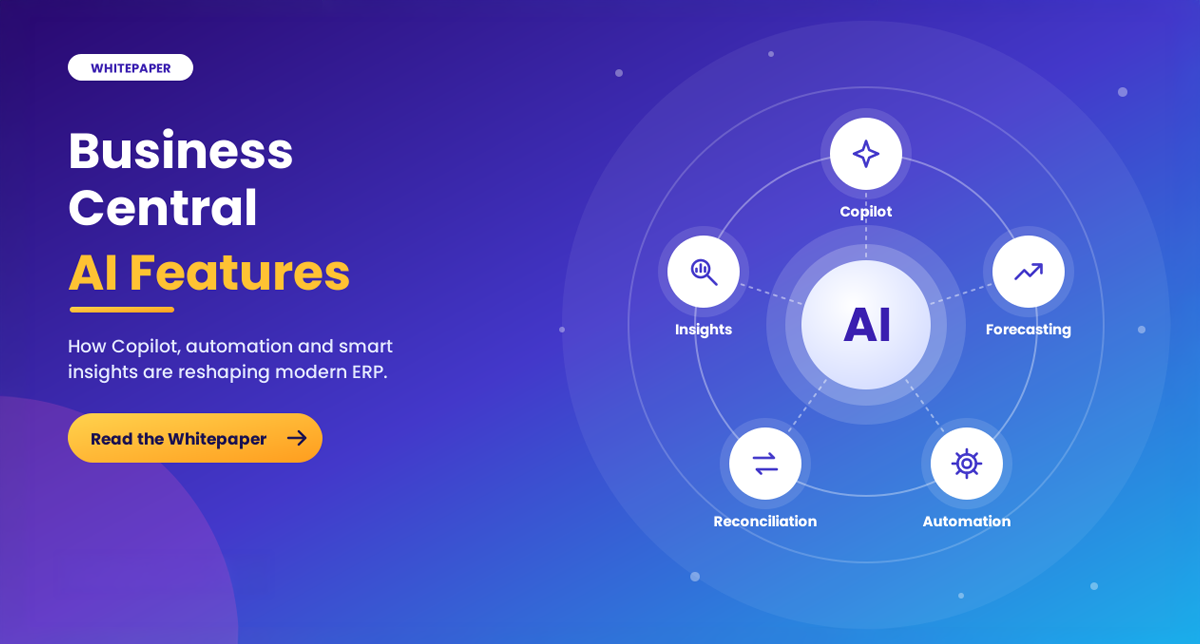
AI Has Moved from Suggesting to Doing
Copilot helps people on every page; agents now take whole tasks off their desks. A person reviews the result before anything is posted.
Copilot is in the license
Copilot features come with Essentials and Premium licenses. Agents are paid for as you use them, in Copilot Credits.
Statuses matter
Features are labeled Available, Preview or Announced. Check the status before you build a process on one.
Three Moves to Get Ready
The whitepaper closes with a practical sequence and a readiness checklist for finance, operations and IT teams.
Use what’s included
Switch on and teach the Copilot features you already own.
Pilot one agent
Start where the volume is: invoices, orders or expenses.
Set the guardrails
Permissions, data movement and a credit budget.
Features and statuses come from Microsoft sources listed in the whitepaper, accessed 16 November 2026. Items marked Announced aren’t yet in Microsoft documentation.
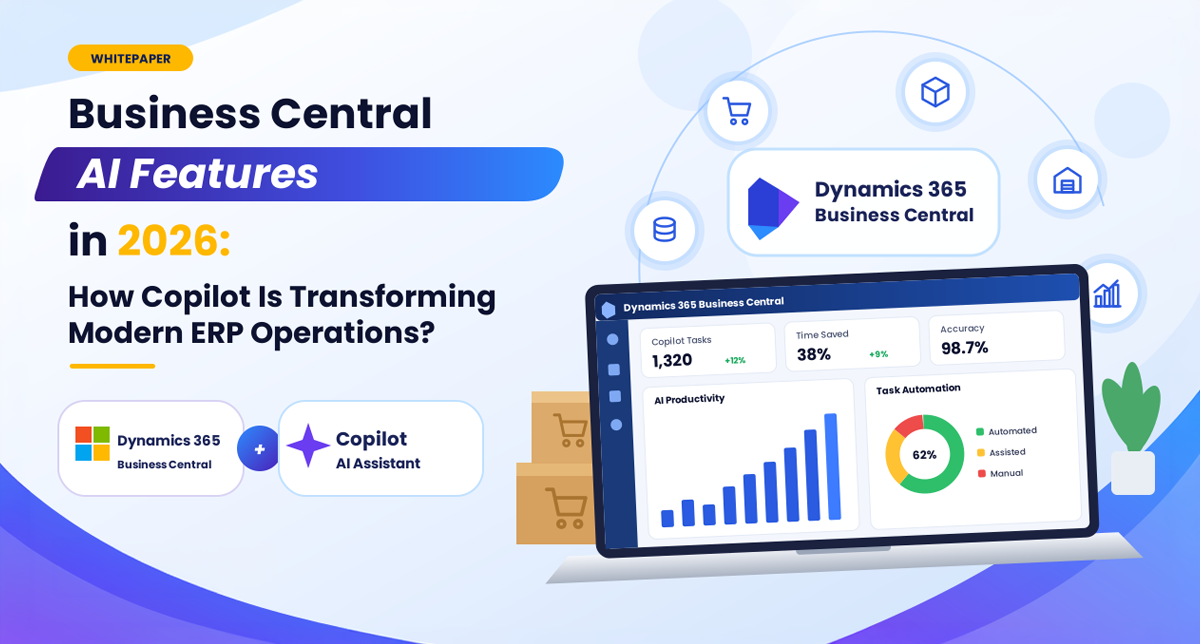
Read the Complete Whitepaper
Explore the full document for the five ways AI works, finance and sales agents, how an agent works, the 2026 to 2027 timeline, what AI costs in Copilot Credits, privacy and data residency, and a 90-day plan.
Put AI to Work in Business Central, with Control
Brightpoint Infotech is a Microsoft Solutions Partner that implements Dynamics 365 Business Central and puts Copilot and agents to work.
- AI readiness session: where AI fits in your processes
- Agent pilots for sales, payables or expenses
- Custom agents and MCP
- Copilot enablement, governance and licensing through CSP
Brightpoint Infotech · Microsoft Solutions Partner