
|
Getting your Trinity Audio player ready...
|
Proof Before Payment: What Construction Project Management Software Should Really Control
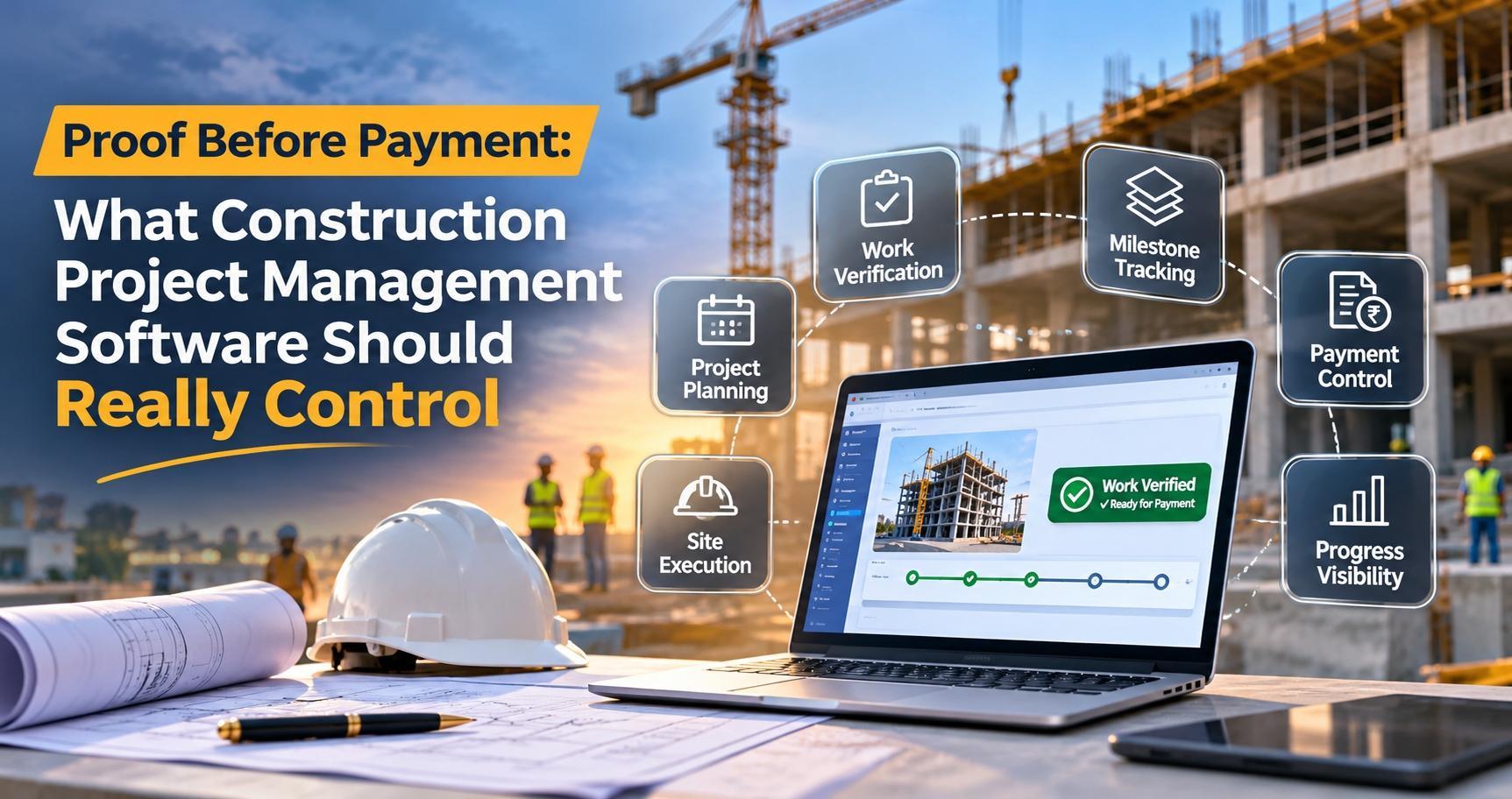
On most construction projects, money moves faster than proof. A contractor reports progress, an invoice follows, and whether the work was actually finished to standard gets settled later, if at all. By then the payment has gone out, and the leverage has gone with it.
The fix isn't more reporting. It's a different order of operations. Good construction project management software makes proof the trigger for money: work is planned in a bill of quantities, contracted against it, inspected and accepted, and only then received, invoiced and paid, with retention held until the work is signed off.
That's the principle behind ConstructPRO, the construction project management solution Brightpoint Infotech, a Microsoft Solutions Partner, has built for Microsoft Dynamics 365 Finance. In a recent internal demo, our team walked one project through the full lifecycle. Here's what it shows about how construction finance should work.
Project accounting isn't construction control
Standard project management in Dynamics 365 Finance already covers planning, budgeting, cost tracking, billing and project reporting. That's necessary, but construction adds problems general project accounting wasn't designed to solve:
- Detailed work breakdown. Projects run on bills of quantities with many lines, not a handful of phases.
- Layers of contractors. Work goes to prime contractors, who may pass part of it on to subcontractors.
- Quality as a condition of payment. Work that fails inspection shouldn't move forward, let alone be paid for.
- Retention. Part of each contractor payment is held back until the work is completed and approved.
ConstructPRO closes that gap. It sits alongside the standard modules in Dynamics 365 Finance, with its own workspace and role-based menus for projects, prime contractors and subcontractors, contract orders, deliverables, quality inspections, invoices and reports. It's built for developers and contractors delivering real estate, industrial and high-rise projects.
How construction project management software should run the lifecycle
The demo followed a single project, a multistory tower, through ten stages. Each stage hands verified data to the next, so nothing is keyed twice and nothing skips a check.

Start from the bill of quantities, not a blank budget
A budget typed in separately from the work plan will drift away from it. In ConstructPRO, the work breakdown structure (WBS) is the plan, the bill of quantities and the source of the budget, all at once.
Teams can build the WBS line by line for smaller jobs, reuse a template exported from a similar project, or load a large bill of quantities from Excel through data management, using templates for the WBS activities (cost categories, planned dates and assigned roles) and for the detailed estimates. The WBS then offers a scheduling view and a cost view, with cost and sales prices by task.
Publishing the WBS is where it gets interesting. ConstructPRO creates the project's cost and revenue budgets automatically and submits them for approval, an enhancement standard project management doesn't offer. Once approved, the project is released for transactions. Budget control is switched on for construction projects and can be set to warn on overruns or to block postings that would exceed the budget.

Contract only what you've planned
Prime contract order lines aren't typed in. They're transferred from the WBS, and the project team assigns all or part of each line's quantity to the prime contractor, with the unit price carried across. If the prime contractor hands part of the work to a subcontractor, that subcontractor is recorded against the line, so the chain of responsibility stays visible even though the subcontractor's own accounting sits outside your system.
Each line also carries a vendor retention term: the portion of the contractor's payment that will be withheld until the work is completed and approved. Confirm the order, and the purchase order is released directly from it. That's prime contractor and subcontractor management built into the same record that drives the budget.

Make quality a gate, not a report
This is where purpose-built construction project management software departs most clearly from general project tools. When a contractor submits a work report, the deliverables team records it as a deliverable and confirms the quantities through an approval workflow. The quality team then runs an inspection against a test group. Inspections are judged against a defined percentage threshold: work that passes moves on, and work that fails can't move to the next step.
Accepted work is recorded as a work submission, with the percentage the team has accepted. That sets the completion percentage and the approved quantity on the contract order line. Each step runs through an approval workflow that can follow your approval hierarchy, with email or in-system notifications so the next team knows when it's their turn.

Let proof release the money
Once a work submission is approved, ConstructPRO posts the product receipt against the purchase order automatically, and only for the approved quantity. Work that wasn't accepted stays open.
The contractor's invoice comes from the contract order's invoice schedule, as an invoice proposal for the quantities actually received. When it posts, the retention is accounted for and withheld, to be released only after all the work has been submitted and approved. On the customer side, the project invoice proposal picks up billable transactions, goes through an approval workflow and posts automatically once approved.
See the quality gate in action
Watch a contractor's work move from deliverable to inspection to automatic receipt in Microsoft Dynamics 365 Finance.
Measure margin where the work happens
Construction margins are won or lost at task level, so ConstructPRO's profitability report works at both project and task level, a requirement that came directly from construction prospects. It compares budgeted revenue with budgeted cost, budgeted with actual revenue, actual revenue with actual cost, and budgeted with actual cost, grouped by project, task, category or transaction type, with profit and profit percentage.
Contract reports cover billing and payment status by contract order, invoicing against contract value and work completed, and the deliverables, quality inspections and work submissions behind each contract order. Three Power BI dashboards add the portfolio view: construction project monitoring across all projects, single-project monitoring with completion and milestones, and a project contract summary comparing prime contractor and subcontractor orders.


Five questions to ask of any construction ERP
- Is your project budget generated from the bill of quantities, or keyed in separately?
- Can a contractor's scope be assigned straight from the WBS, in full or in part?
- Does work that fails quality inspection stop moving, or does it just get flagged?
- Is work received only for the quantity your team has accepted?
- Is retention withheld automatically when the contractor's invoice posts, and held until the work is approved?
Construction will always carry risk. Paying for unproven work doesn't have to be one of them. ConstructPRO puts proof before payment, inside Microsoft Dynamics 365 Finance.
Frequently asked questions
What is ConstructPRO?
ConstructPRO is Brightpoint Infotech's construction project management solution for Microsoft Dynamics 365 Finance. It adds construction-specific processes to standard project management: WBS and bill of quantities, prime contract orders, subcontractor tracking, deliverables, quality inspections, work submissions, retention, construction reports and Power BI dashboards.
How is ConstructPRO different from standard project management in Dynamics 365 Finance?
Standard project management covers planning, budgeting, cost tracking, billing and reporting. ConstructPRO adds budgets created automatically when the WBS is published, contract orders built from the WBS, quality inspections that stop failed work, receipts driven by approved work submissions, and vendor retention.
Can I import a large bill of quantities?
Yes. WBS lines can be added manually, reused from a template exported from another project, or loaded from Excel through data management, together with detailed estimates.
How does ConstructPRO handle subcontractors?
Prime contractors receive contract orders and purchase orders in ConstructPRO. When a prime contractor passes part of the work to a subcontractor, the subcontractor is recorded against the order line for tracking.
How does prime contractor retention work in Dynamics 365 with ConstructPRO?
Each contract order line can carry a vendor retention term. Retention is withheld when the contractor's invoice is posted and released after all the work has been submitted and approved.
What reports and dashboards are included?
A profitability report at project and task level; contract billing, invoice, deliverable, quality inspection and work submission reports; and three Power BI dashboards for portfolio monitoring, single-project monitoring and contract summaries.
Is ConstructPRO available on Microsoft AppSource?
Yes. ConstructPRO is listed on Microsoft AppSource. Brightpoint Infotech can also arrange a live walkthrough.
Ready to put proof before payment?
Brightpoint Infotech helps developers and contractors run WBS budgets, contract orders, quality inspections and retention in Microsoft Dynamics 365 Finance with ConstructPRO. Book a demo or email info@brightpointinfotech.com.
Book a ConstructPRO demo