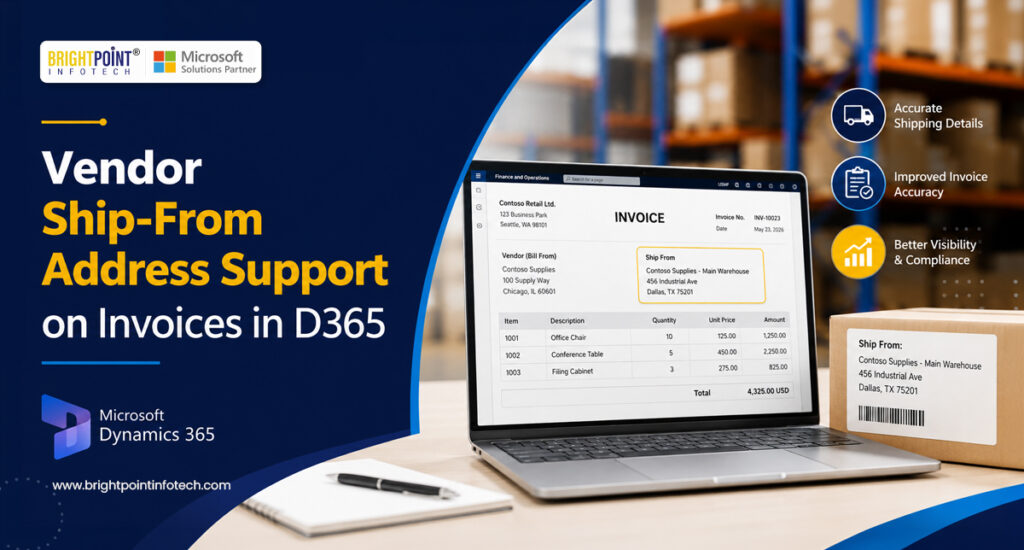
Vendor Ship-From Address Support on Invoices in Microsoft Dynamics 365: Features, Benefits, and How It Works
This Vendor Ship-From Address Support on Invoices feature is available in Dynamics 365 F&O version 10.0.48.
Purpose
The purpose of Vendor Ship-From Address Support on Invoices in D365 is to capture and maintain the actual location from which a vendor ships goods, rather than relying only on the vendor’s primary or registered address.
For example, a vendor’s head office may be in X Location, but the goods may actually be shipped from a warehouse in Y Location. In this case, the Y Location warehouse address is the relevant Ship-From Address for the invoice transaction.
This functionality helps organizations:
Accurately identify the origin of goods
Support vendors operating from multiple warehouses or distribution centers
Improve tax calculation and tax compliance where the origin location is relevant
Maintain better audit and transaction traceability
Reduce reliance on manual address entry or custom fields
Ensure invoice information better reflects the actual physical supply chain
First, users must enable the Vendor Ship-From Address Support on Invoices feature in Feature management.
Setup
Go to Accounts payable > Vendors > All vendors.
Select the required vendor from the list.
Click Edit to update the vendor configuration.
NOTE: – After enabling the feature, the Require ship from on vendor invoice toggle is made available on vendor master records. This option is not necessarily enabled automatically for every vendor. Users can enable or disable it at the individual vendor level based on business requirements. When enabled for a vendor, a valid ship-from address is required during vendor invoice processing.
Navigate to the Invoice and delivery Fast Tab and enable the Require ship from on vendor invoice option.
Demonstration
Go to Accounts payable > Purchase Orders > All Purchase Orders.
Select the vendor account for which the “Require ship from on vendor invoice” option has been enabled.
Users can find the “Ship from” field under Line details > Address. From this field, users can select the appropriate vendor address from which the goods are shipped.
The Vendor ship-from address field is also available for non-purchase order invoices and in the Vendor invoice journal.
Select Require ship from on vendor invoice option enabled vendor.
Under Line details > Setup, users can select the appropriate Ship-from address for the invoice line.
Accounts payable > Invoices > Invoice journal
Click +New, select the required journal name, and then click Lines.
In the Account field, select a vendor for which the Require ship from on vendor invoice option is enabled.
After selecting the vendor account, users can choose the appropriate address from the Vendor’s ship-from address dropdown field on the Invoice tab. The selected address details are then displayed in the Ship From section.
This allows users to capture the actual vendor location from which the goods were shipped and ensures that the correct ship-from information is associated with the vendor invoice transaction.
Conclusion
The Vendor Ship-From Address Support on Invoices feature enables organizations to capture the actual location from which goods are shipped by a vendor. This is particularly useful when vendors operate from multiple warehouses, plants, or distribution centers. By maintaining accurate ship-from address information across purchase orders, non-PO vendor invoices, and vendor invoice journals, organizations can improve transaction accuracy, audit traceability, and support applicable tax and compliance requirements.
Explore Brightpoint Infotech Solutions
Explore Our Recent Blogs & Resources Whether you are a start-up, an SMB, or an enterprise, the Brightpoint Infotech blog is the best place to get inspired and learn more about Microsoft Business Applications.