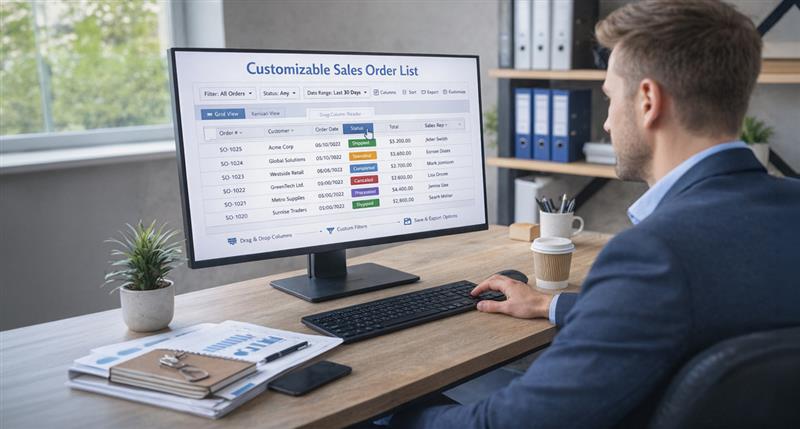
Microsoft Dynamics 365 introduced a new enhancement in version 10.0.46 that allows users to control the number of sales orders displayed on the All sales orders page.
This feature improves flexibility, usability, and system performance by enabling users to define the maximum number of records loaded on the page through a simple parameter setting.
Set-up
Go to Accounts receivable > Setup > Accounts receivable parameters.
In General fast tab user can find Max number of sales orders in list option.
Enter a value in the “Max number of sales orders in list” field. This allows users to define the number of sales orders displayed on the Sales Order list page
DEMO
Go to Accounts receivable > Orders > All sales orders.
Based on the value entered in the “Max number of sales orders in list” field, the system displays only the specified number of sales orders on the All sales orders page.
In conclusion,
the customizable sales order list in Dynamics 365 version 10.0.46 is more than just a convenience—it’s a powerful tool to enhance efficiency, streamline workflows, and boost system performance. By controlling the number of sales orders displayed on the All Sales Orders page, businesses can focus on what matters most without sacrificing speed or usability. This simple yet impactful enhancement empowers users to take full control of their sales operations and make data-driven decisions with ease.
Embrace this feature today and transform the way you manage sales orders in Dynamics 365!
Explore Brightpoint Infotech Solutions
Explore Our Recent Blogs & Resources Whether you are a start-up, an SMB, or an enterprise, the Brightpoint Infotech blog is the best place to get inspired and learn more about Microsoft Business Applications.